Pixel Art GIF Generator
Describe a character or a scene and the AI draws a looping pixel art animation, in 16-bit or 8-bit game style.
Not allowed: real people or celebrities · famous characters, brands or logos · nudity or sexual content · violence, blood or weapons · hate symbols, drugs or self-harm. The AI's safety check rejects these, and sometimes harmless prompts too. Rules
Your GIF appears here
- Checking you're human
- Sending your idea to the AI
- Drawing 9 frames
- Putting the GIF together
Usually about 20–40 seconds: the AI draws every frame of the pixel animation. Then download it, or make it an emoji with the GIF Resizer.
Made with this generator
Real results with the exact prompt. Use one as it is, or change a few words to make it yours.
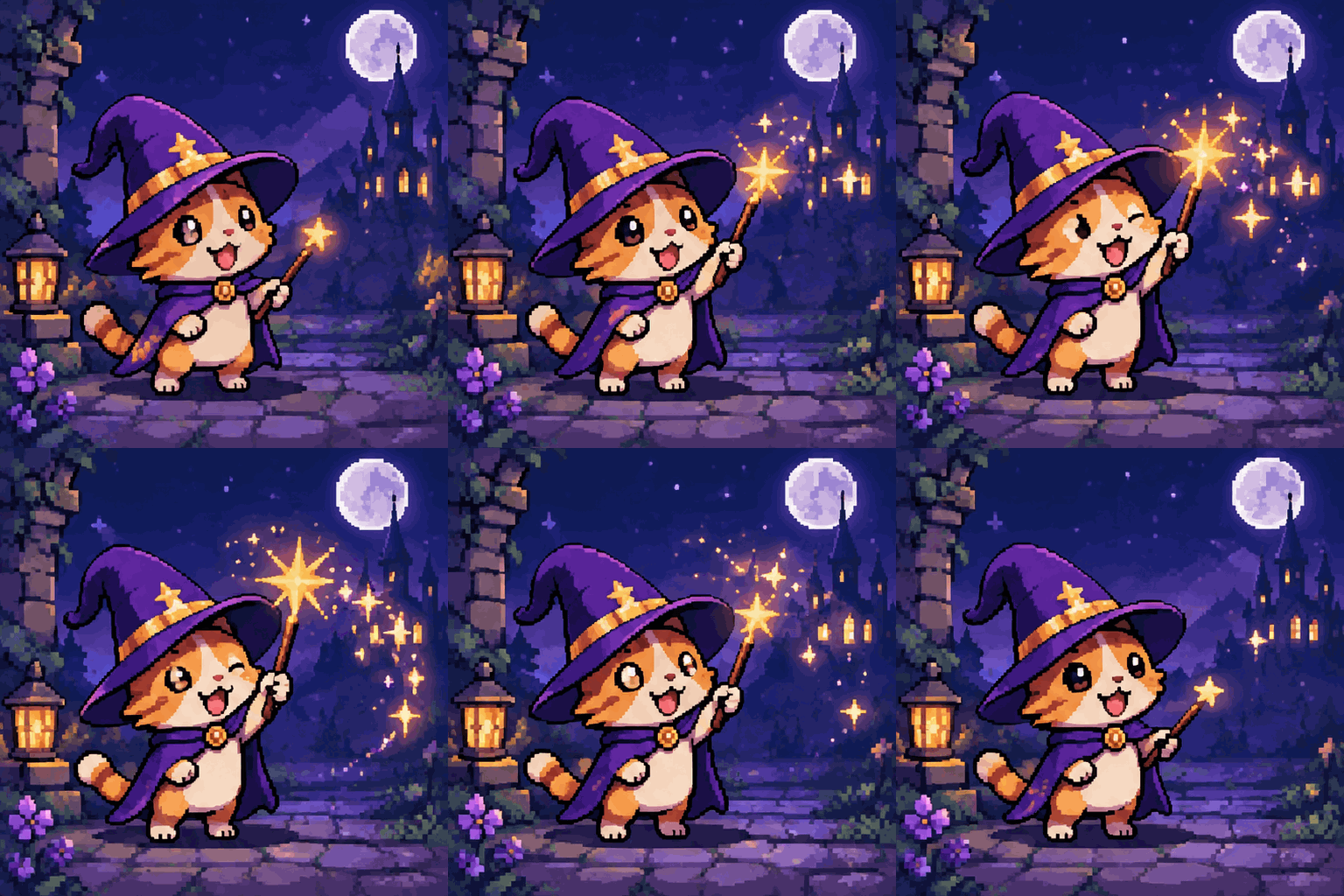
A small cat in a purple wizard hat waving a wand that sends out sparkles
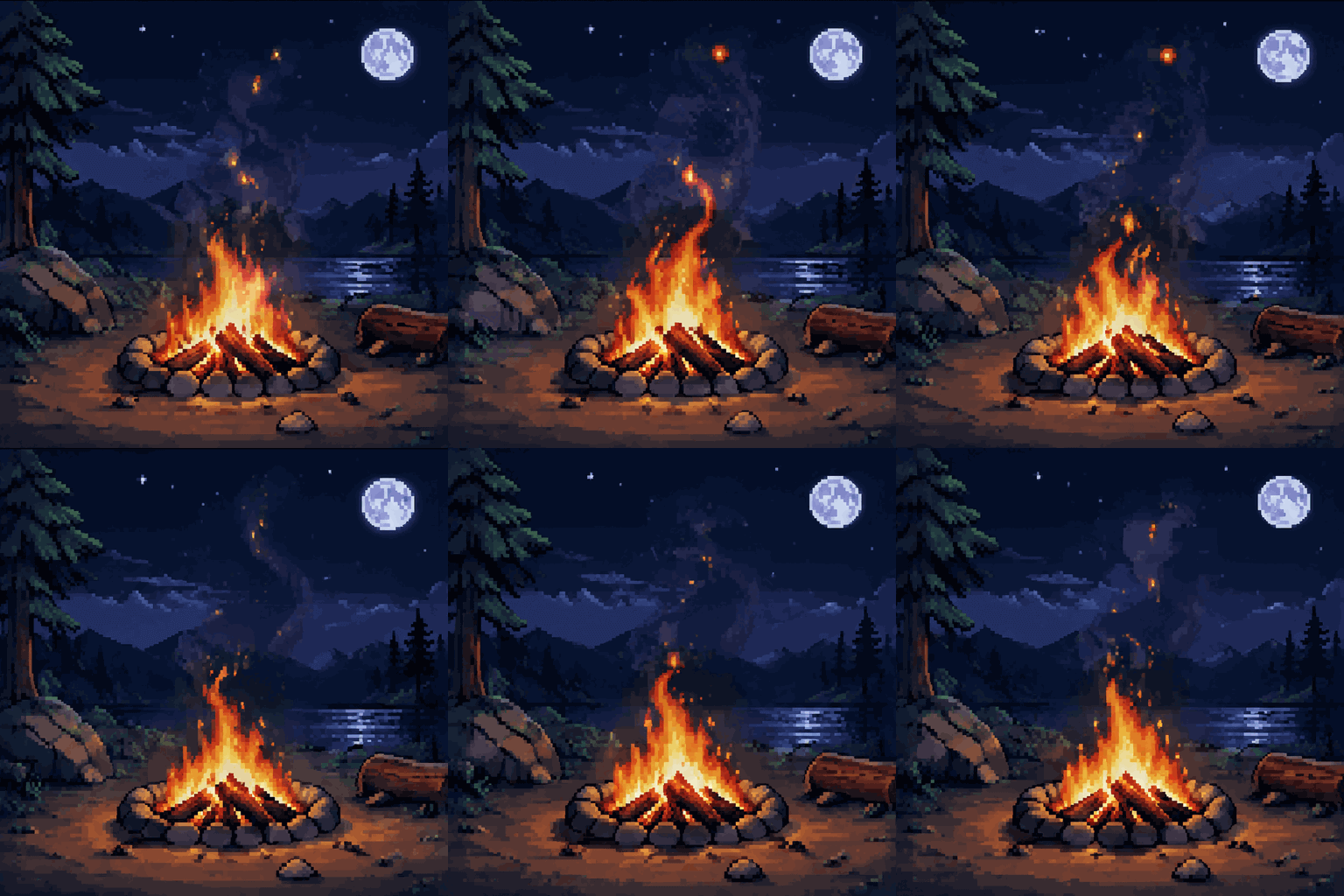
A campfire crackling at night with sparks rising into the dark
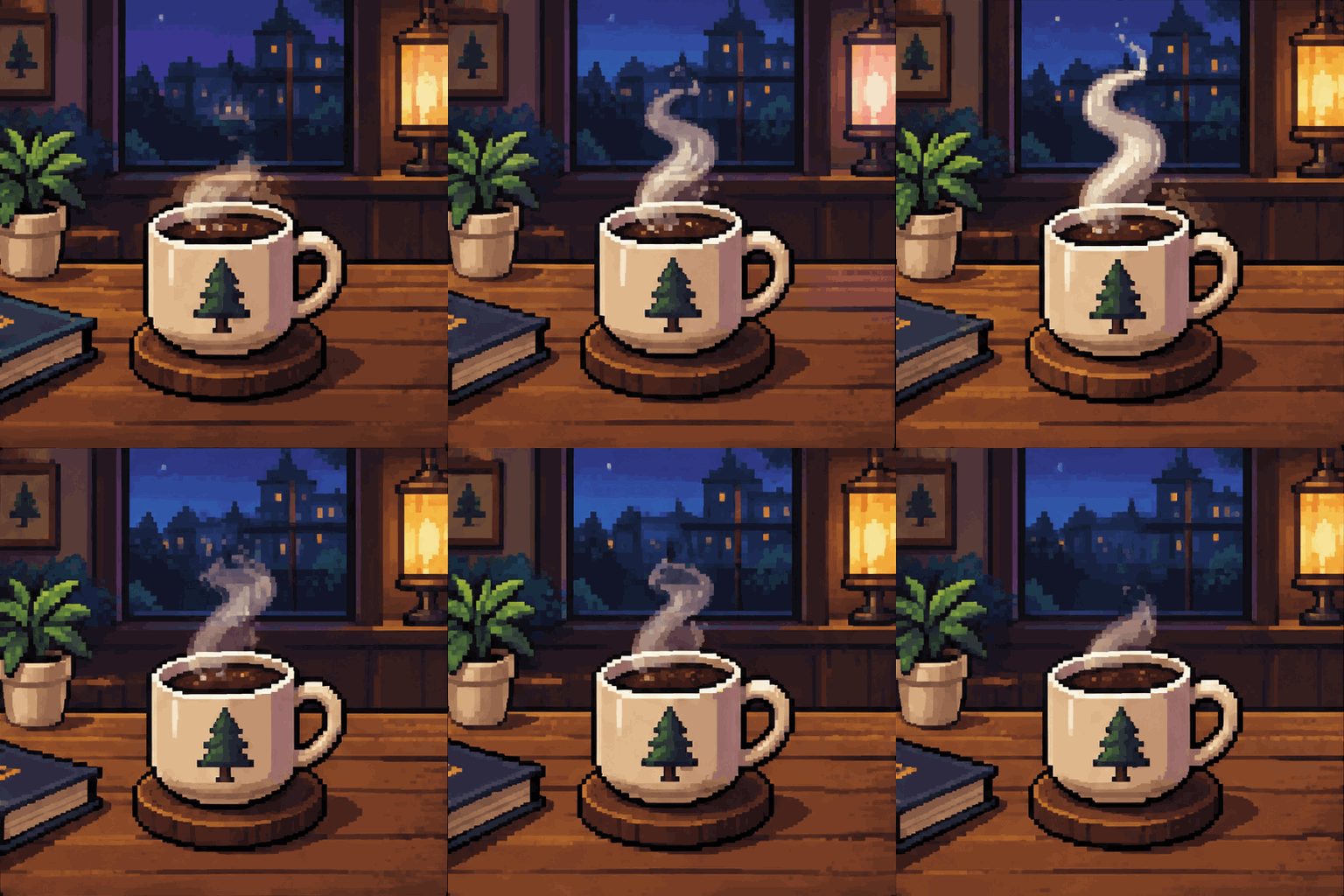
A coffee cup on a table with steam rising and fading
How it works
- Describe it
One character or object and one motion: “a slime bouncing in place”, “a torch flickering on a stone wall”.
- Pick a pixel style
16-bit for detailed sprites, 8-bit for chunky retro art, isometric for little game worlds.
- Generate
The AI draws every frame, usually in 20–40 seconds.
- Use it
Download the GIF, resize it into a Discord emoji, or remove the background for a game sprite.
Tips for better results
Animate in place
Walking, idling, bouncing or flickering on the spot loops better than moving across the screen.
Keep the background plain
A single color background keeps the pixels clean and is easy to remove later.
Small subjects work best
One character, item or tile reads better at pixel art size than a busy scene.
Use 4 frames for a chunky look
Fewer frames give the snappy, classic game-sprite feel; 9 frames are smoother.
What people make with it
Discord and Twitch emotes
Make a small looping character, then shrink it with the GIF Resizer.
Game mock-ups
Idle animations, items and effects to test a look before drawing final sprites.
Stream overlays
Campfires, rain, coffee steam and other cozy loops.
Profile pictures
A pixel version of your mascot or pet character.
Questions
Is the pixel art GIF generator free?
Create a free account to make one watermarked AI result a day, shared across all five generators. GIF downloads are 720px on the longest edge. Premium and credits give the original result without a watermark.
Can I use the GIF as a game sprite?
Yes for mock-ups and personal projects. For a real game, the frames are a good starting point: open the GIF in a pixel editor to clean up the palette and line up the frames.
Can I get a transparent background?
Use the Animated Sticker Maker, which makes GIFs with a transparent background, or remove the background afterwards with the free GIF Background Remover.
How big are the GIFs?
Square pixel art GIFs are 512 × 512 pixels with 4 or 9 frames. Use the GIF Resizer for emoji sizes like 112 or 128 pixels.
Which AI makes the pixel art?
OpenAI's GPT Image 2.6, which can draw several frames of an animation and return them as a GIF.