Animated Sticker Maker
Describe a character and the AI makes an animated sticker with a transparent background: a waving cat, a dancing hippo, your own reaction.
Not allowed: real people or celebrities · famous characters, brands or logos · nudity or sexual content · violence, blood or weapons · hate symbols, drugs or self-harm. The AI's safety check rejects these, and sometimes harmless prompts too. Rules
Your GIF appears here
- Checking you're human
- Sending your idea to the AI
- Drawing 9 transparent frames
- Putting the GIF together
Usually about 20–40 seconds. The checkered pattern behind your sticker shows where it's transparent.
Trending stickers, made with this generator
Real results with the exact prompt. Use one as it is, or change a few words to make it yours.
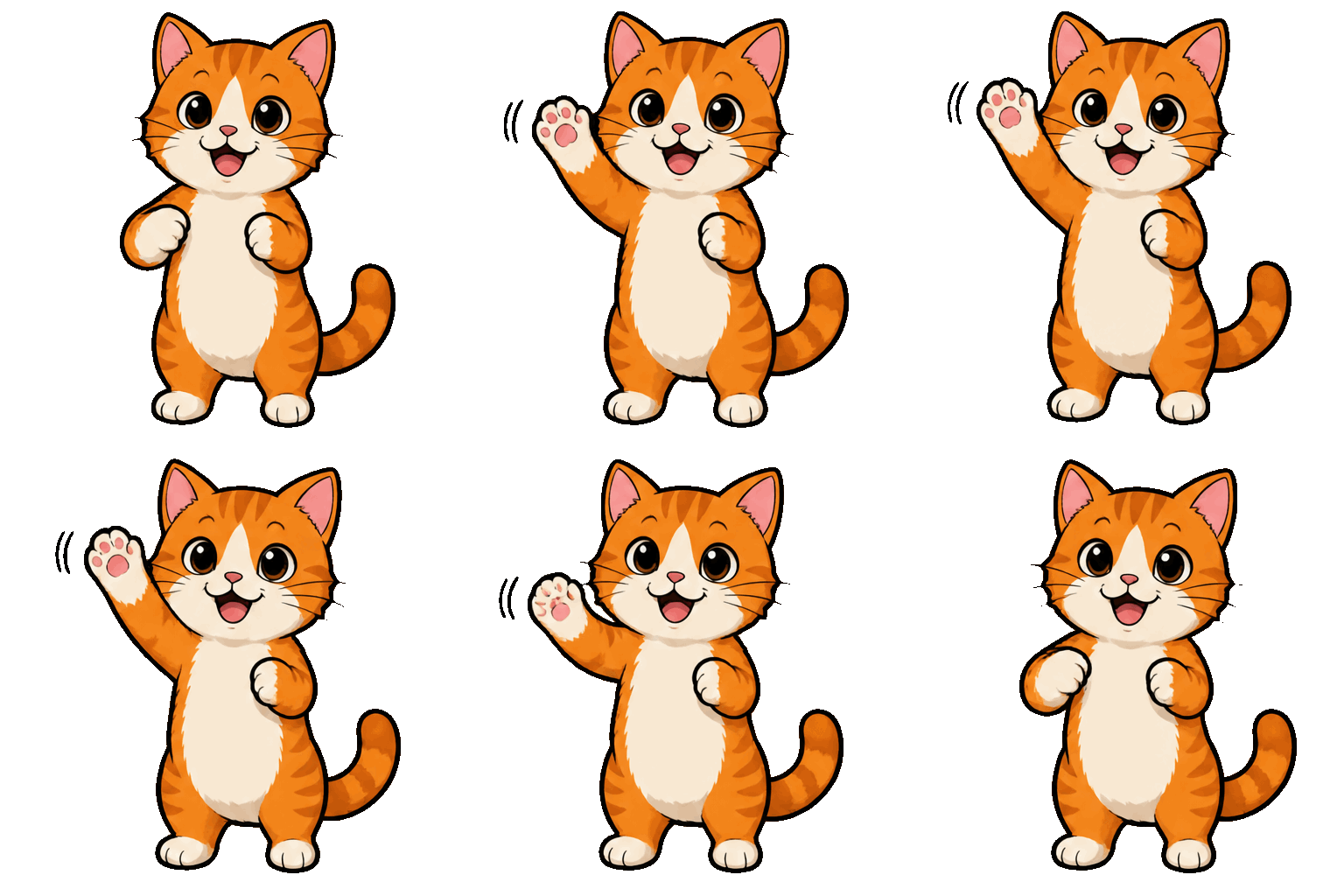
An orange and white cat standing up on its hind legs, waving one front paw hello
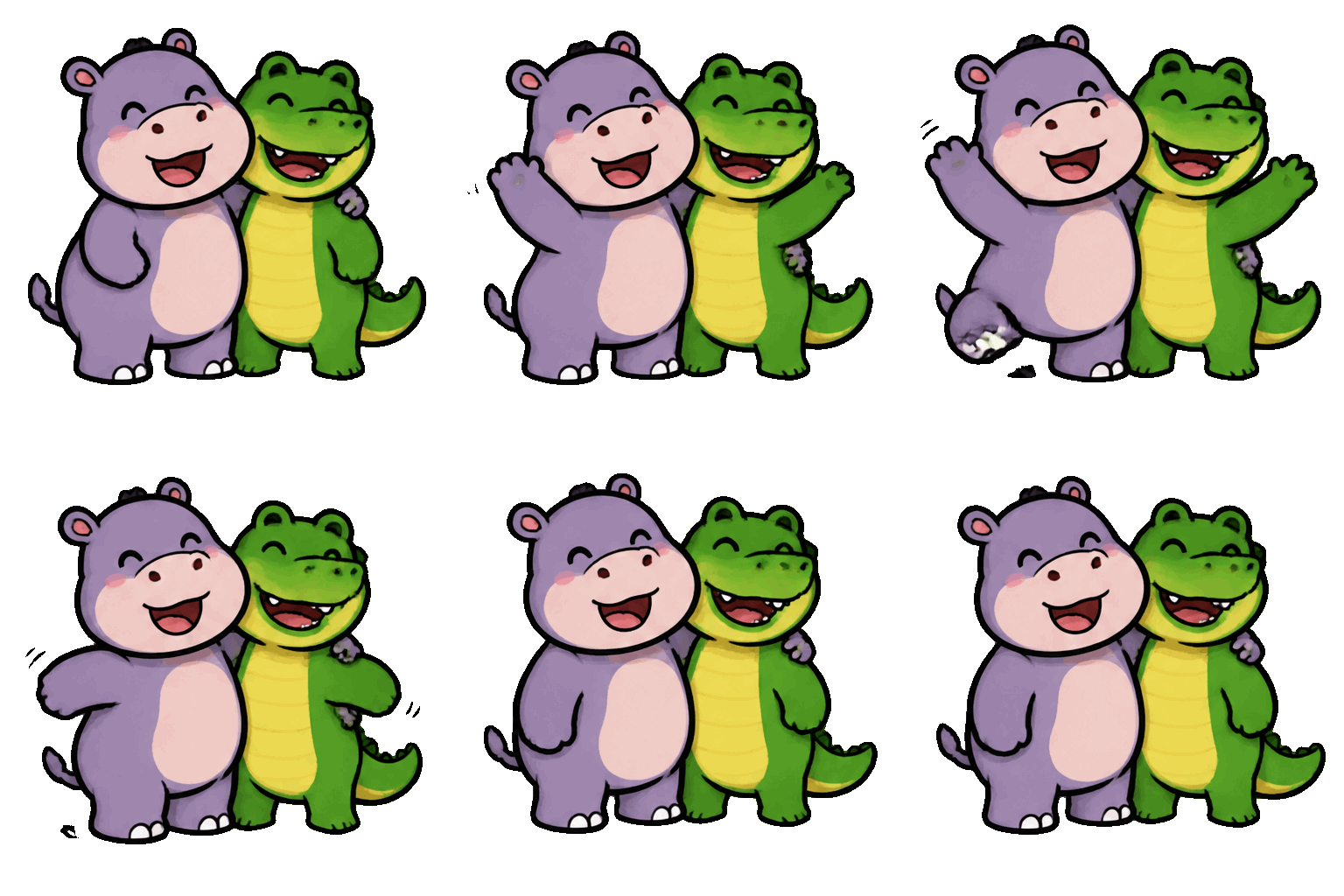
A little hippo and a little crocodile standing side by side, the hippo hugging the crocodile, both smiling
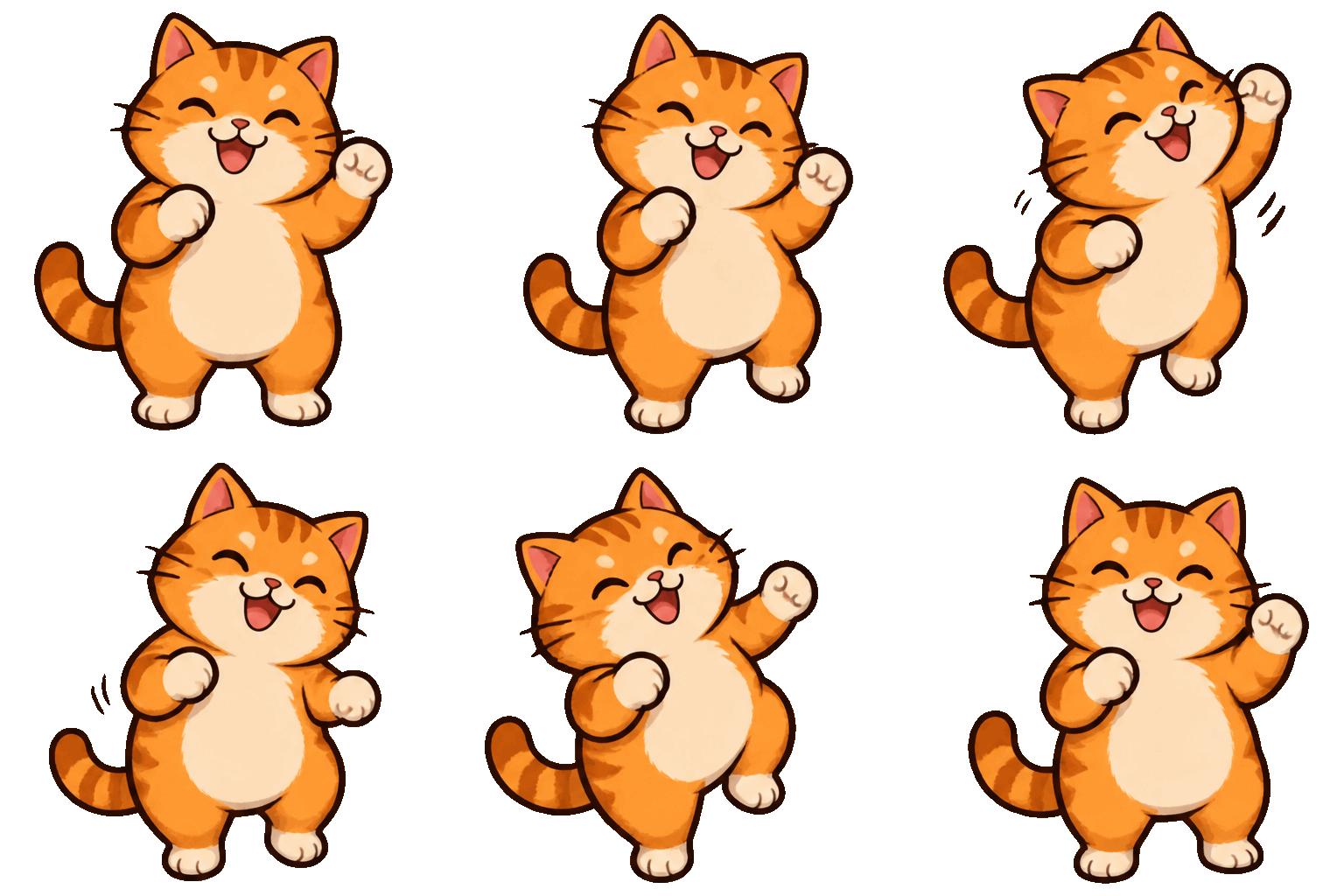
A chubby orange cat dancing happily on its hind legs, swaying left and right
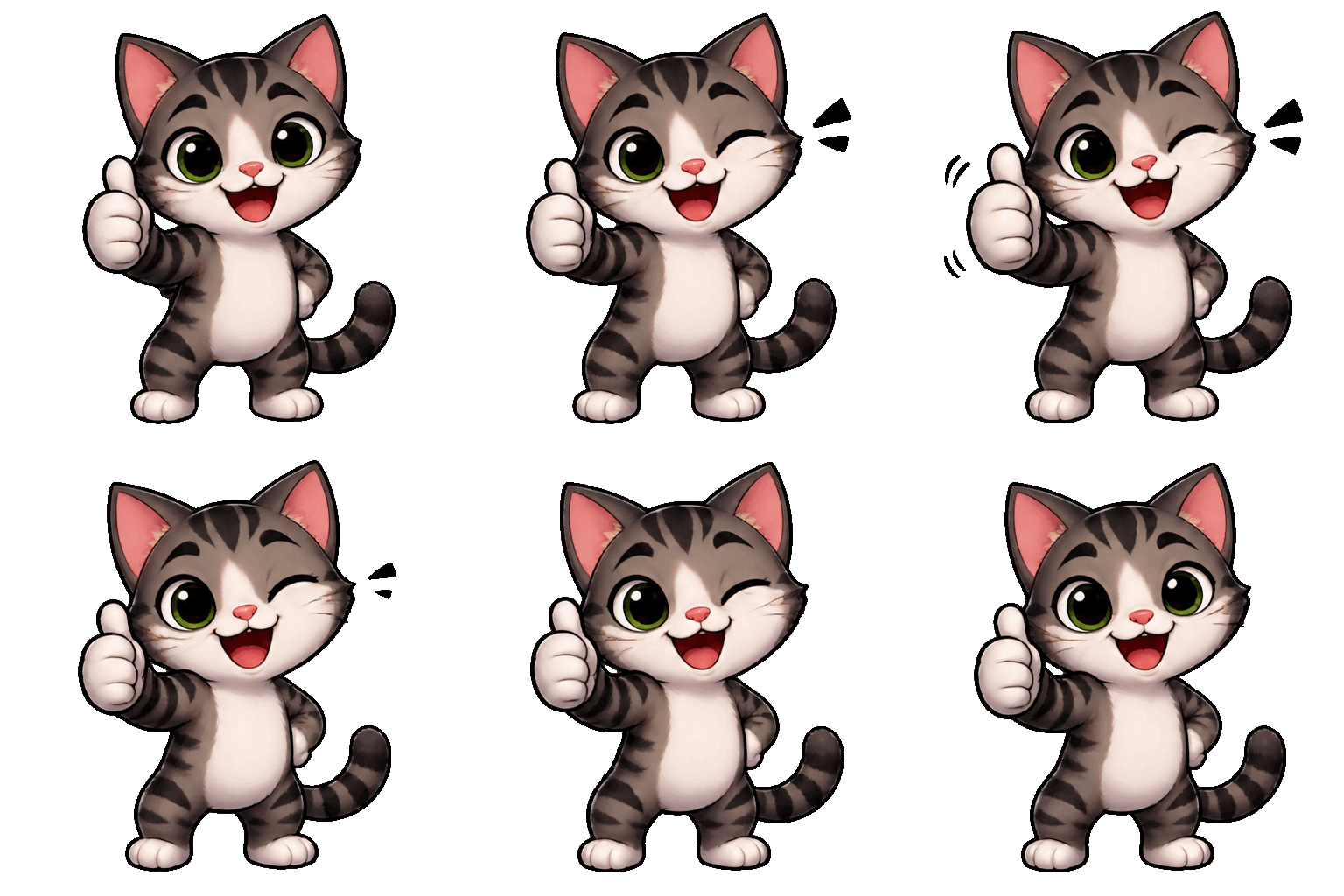
A cute cartoon cat giving a thumbs up and winking
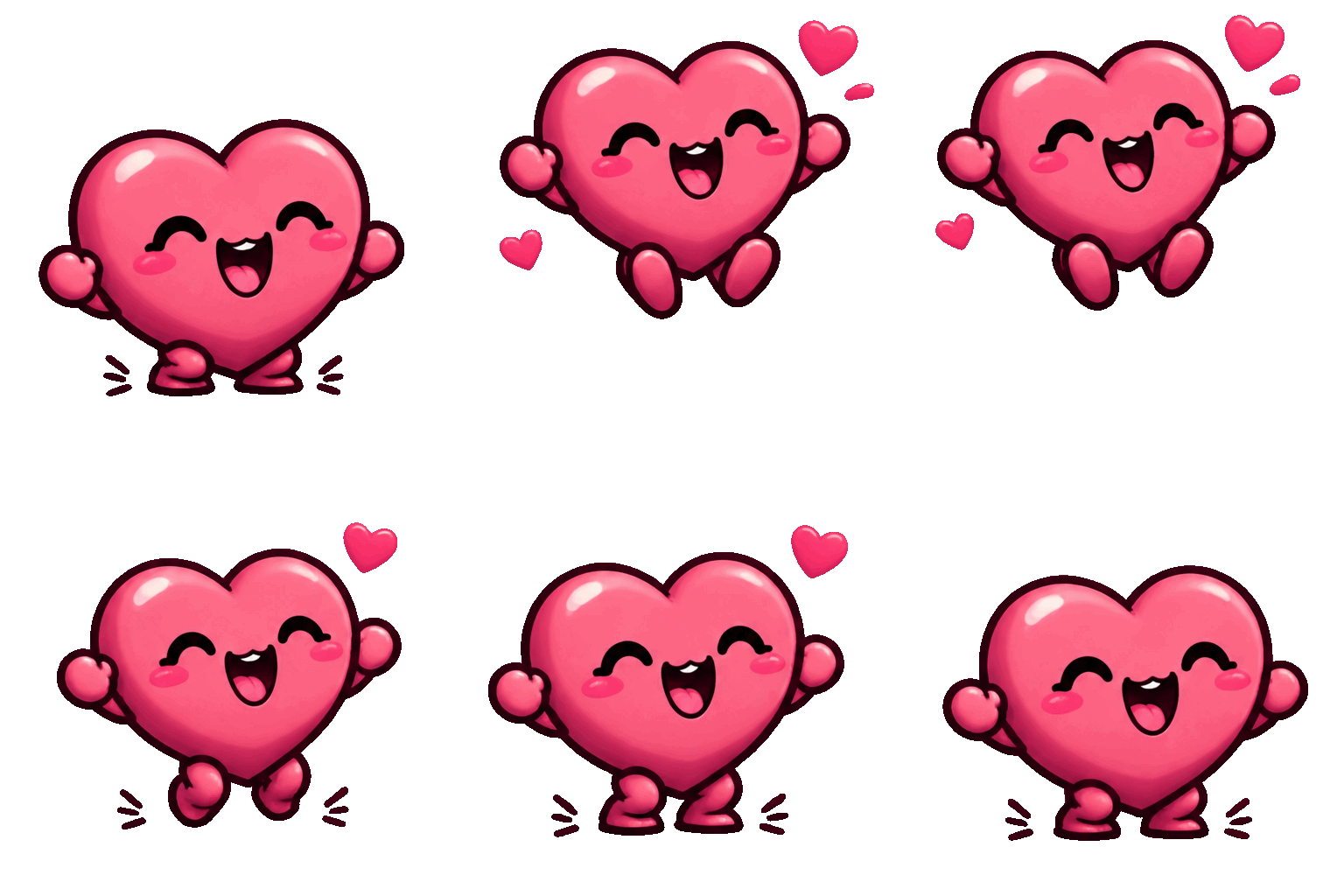
A happy pink heart with a smiling face bouncing and sending out tiny hearts
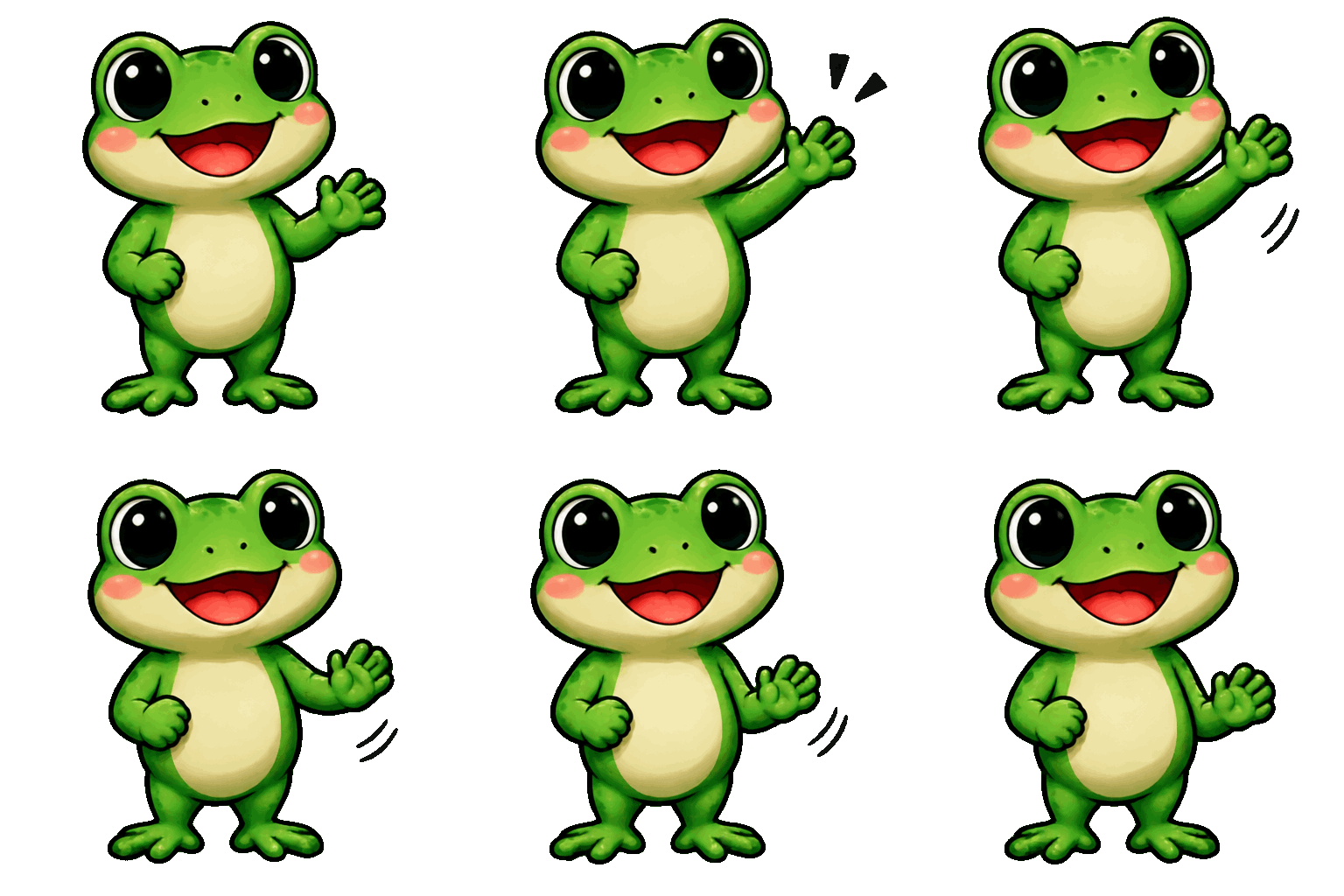
A cute cartoon frog sticker waving hello
How it works
- Describe the sticker
One character and one reaction: “a sleepy panda yawning”, “a dog doing a happy dance”.
- Pick a style
Cartoon, kawaii, pixel art, 3D or doodle.
- Generate
The AI draws every frame on a transparent background, usually in 20–40 seconds.
- Use it
Download the GIF and resize it for Discord or Slack emoji with the free GIF Resizer.
Tips for better results
One character, one emotion
Stickers read best small: a single subject with a clear reaction.
Ask for a pose
Thumbs up, waving, dancing, crying, laughing: say the gesture you want.
Add a short word
One or two words like “HI” or “LOL” usually come out right. Add longer text with Add Text to GIF.
Check the size limits
Discord emoji must be under 256 KB: compress the GIF if needed.
Where to use your stickers
WhatsApp stickers
Stickers come out at 512 × 512 pixels, the size WhatsApp uses. A WhatsApp sticker pack needs them as WebP files under 500 KB, added through a sticker pack app.
Discord and Slack
Animated emoji and reactions. Resize to 128 px and compress under 256 KB.
Chats and comments
Send the GIF in any chat app that accepts GIFs.
Streams
Alerts and emotes with a transparent background.
Websites and slides
A small animated mascot that sits on any background.
Questions
Do the stickers really have a transparent background?
Yes. The GIF has a transparent background, so it sits cleanly on any color. GIF transparency is on or off per pixel, so soft shadows are dropped.
Is the sticker maker free?
Create a free account for one free AI generation a day across all five tools. Free sticker GIF downloads are 720px on the longest edge and watermarked. Paid results have no watermark.
Can I make WhatsApp stickers with it?
Yes, the stickers are 512 × 512 pixels with a transparent background, which matches WhatsApp. WhatsApp sticker packs use animated WebP files under 500 KB, so convert the GIF to WebP and add it with a sticker pack app. You can also send the GIF itself in a chat.
Can I make an orange cat sticker like the viral one?
You can make your own: describe the cat, its colors and the pose, for example “an orange and white cat standing on its hind legs, waving hello”. The AI draws a new, original cat rather than copying a photo.
Can I use them on Telegram?
Telegram uses its own sticker formats (WebM video or animated TGS), so the GIF needs converting first. Discord, Slack and most chats accept the GIF as it is.
How big is the sticker?
512 × 512 pixels. Use the GIF Resizer to make 128 px emoji, and the GIF Compressor to get under size limits.