Home › Blog › GPT Image 2.6 GIFs
GPT Image 2.6 GIFs: how to make AI GIFs that actually move well
OpenAI's new image model can draw animated GIFs from a sentence. Here is what changed, three ways to use it, and the prompts and settings that worked in our own tests.
Short answer: GPT Image 2.6 (ChatGPT Images 2.6) is OpenAI's image model released on November 4, 2026, and the first one that outputs animated GIFs directly. To make one:
- Describe one subject and one clear motion, for example “a cartoon cat doing a surprised double take”.
- Pick a style and the number of frames (9 is smoothest).
- Generate, wait about 20–40 seconds, then download or edit the GIF.
You can try it free in the GifMuse AI GIF maker after creating an account: one 720px watermarked result a day.
What's new in GPT Image 2.6 for GIFs
OpenAI announced Images 2.6 on November 4, 2026. Earlier OpenAI image models only made still pictures; 2.6 can return a looping animation as a GIF. The key points:
- Native GIF output. In the API you ask for
output_format: "gif"and set the number of frames and how long each one shows. By default that is 9 frames at 200 ms each. - Two API models.
gpt-image-2.6-flareis the faster, lighter one;gpt-image-2.6-sunburstis aimed at detailed compositions and precise edits. - Start from your own picture. In ChatGPT you can turn a photo into a short GIF. ChatGPT can't edit an animated GIF you upload, though.
- The model draws each frame. That's why the subject can stay consistent, and also why a GIF takes longer than a still image.
OpenAI's own documentation gives two different maximum frame counts, so we only list numbers we have tested ourselves below.
Three ways to make a GIF with GPT Image 2.6
| ChatGPT | OpenAI API | GifMuse | |
|---|---|---|---|
| Sign-up | ChatGPT account | API key and code | None for the free preview |
| Cost | Depends on your ChatGPT plan | Pay per use ($30 per million image output tokens) | 1 free preview a day; Premium for full-size GIFs without a watermark |
| Controls | Chat instructions | Every parameter | Style presets, frames, speed, shape, loop |
| Afterwards | Download | Your own code | Free tools to compress, caption, crop, resize or remove the background |
| Best for | You already use ChatGPT | Developers building an app | Quick GIFs you want to edit and share |
Step by step on GifMuse
- Open the AI GIF generator and create a free account or sign in.
- Type what should happen in the GIF. Keep it to one subject and one motion.
- Pick a style (Cartoon, Pixel art, 3D, Watercolor, Photo or Sticker) or leave it on Any style.
- Choose the shape (square, wide 16:9 or tall 9:16), 4 or 9 frames, and the speed. Leave “Loop smoothly” on.
- Press Generate GIF and keep the page open. A quick, invisible check makes sure you're human, then the AI draws the frames, which usually takes 20–40 seconds.
- Download the GIF, or send it straight to one of the editing tools.
Make your first GPT Image 2.6 GIFSign up for one free 720px watermarked result a day.
Open the GIF generatorA prompt formula, with tested examples
The prompts that worked in our tests share the same five parts:
[subject] + [one clear motion] + [style] + [simple background] + [loop hint]
- One motion, not a story. A GIF is a few frames. “Waves hello” works; “walks in, sits down and waves” doesn't.
- Say how big the motion is. Words like slowly, gently or a quick bounce change the result more than adjectives do.
- Keep the background plain. Busy backgrounds change from frame to frame and make the GIF flicker. A plain background also makes the background easier to remove later.
- Repeating motion loops best. Flickering flames, falling snow, bouncing or blinking have no start or end, so the loop is seamless.
Every example below is a real result from the generator, with the exact prompt and settings:
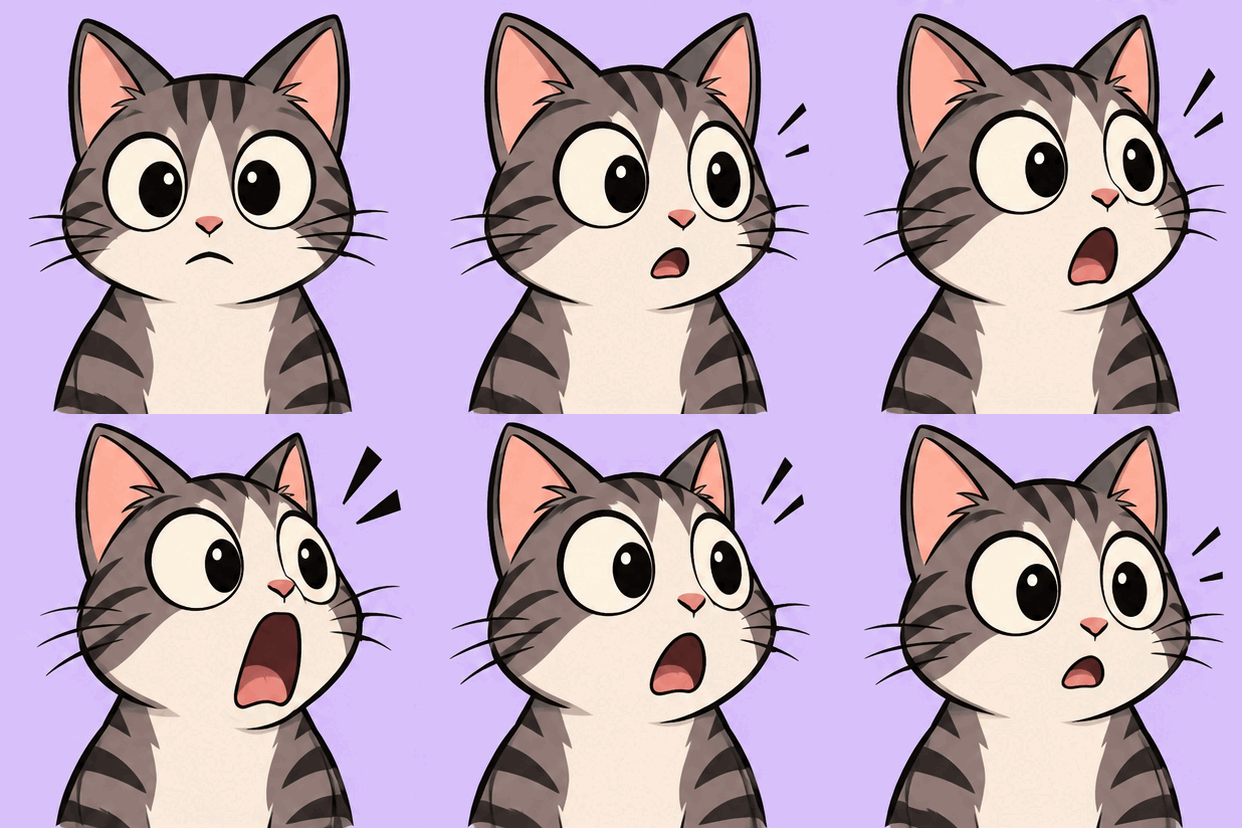
A surprised cartoon cat with huge eyes doing a slow double take, its jaw dropping, simple flat colors, plain pastel background
One clear action (the double take) and a plain background keep the cat the same in every frame.
Try this prompt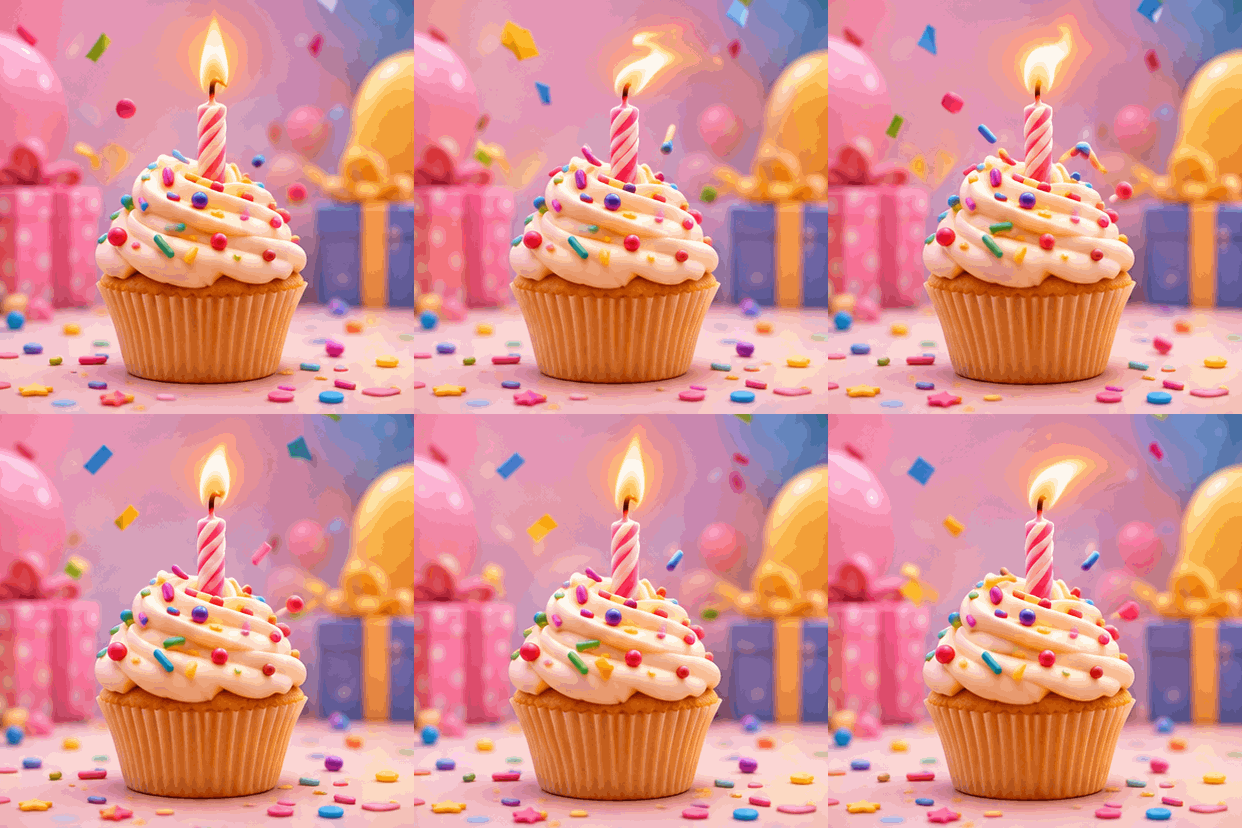
A cute 3D birthday cupcake with one candle, the flame flickering, sprinkles bouncing and confetti slowly falling, soft pastel background
Small, repeating motions (a flame, falling confetti) loop well, because there is no start or end to the movement.
Try this prompt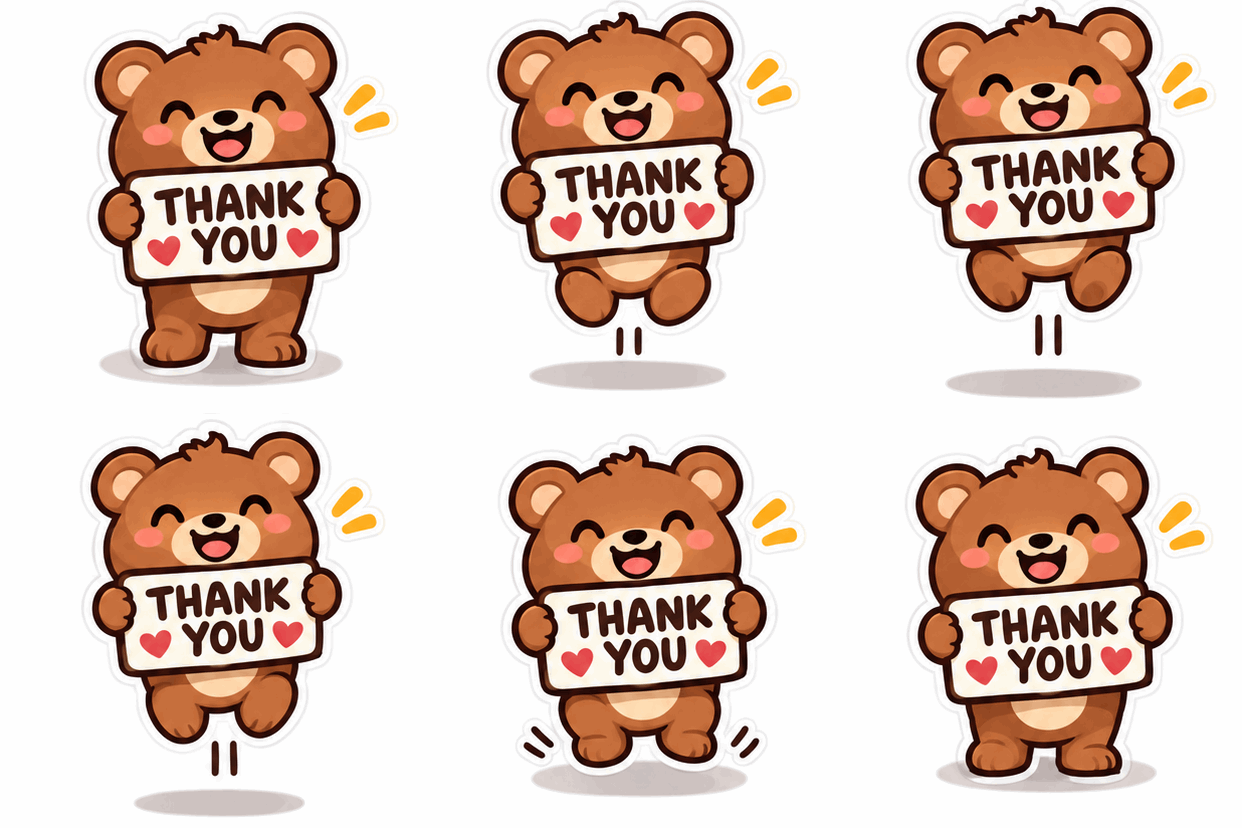
A happy little bear holding a sign that says THANK YOU, bouncing gently, sticker style with a thick white outline, plain light background
Two short words in capitals came out right in every frame. Longer text is where the model starts to slip.
Try this promptThe settings that matter
| Setting | What it does | Our advice |
|---|---|---|
| Frames | 4 or 9 drawings in the loop | 9 for smooth motion. 4 for a snappy, sticker-like bounce and a smaller file. |
| Speed | How long each frame shows: Slow 220 ms, Normal 150 ms, Fast 90 ms | Normal for most GIFs; Fast for energetic reactions. |
| Shape | Square, wide 16:9 or tall 9:16 | Square for chats and emoji, tall for stories, wide for headers. |
| Loop smoothly | Asks the model to make the last frame flow back into the first | Leave it on, unless you want a one-way animation. |
| Style | Adds a style to your prompt | Start with Any style; pick one when you want a specific look. |
What we measured for square 9-frame GIFs: with GPT Image 2.6 Flare, 512 × 512 pixels, 400–550 KB and about 20 seconds; with the cheaper Economy version (used for the examples above), about 414 × 414 pixels, 400–500 KB and 70–100 seconds.
Why prompts get rejected, and how to rewrite them
Every prompt goes through OpenAI's safety check. It turns down prompts about restricted topics, and it sometimes rejects harmless ones too. The usual reasons:
- A real person or celebrity, or “someone who looks like…”
- A famous character, show, game, brand or logo
- Nudity, violence, blood, weapons or other adult themes
- Trigger words like kill, shoot or blood, even in a joke
Rewrite the prompt around your own character and the motion:
A rejected prompt on GifMuse doesn't use up your free GIF.
After you generate: edit the GIF
An AI GIF is rarely the final file. These free tools run in your browser, and the generator can send your GIF straight to them:
Want a GIF from your own photos instead of AI? Turn your own pictures into a GIF with no AI involved.
Limits to know about
- Text: one or two short words usually come out right; longer sentences get misspelled in some frames.
- Consistency: complex scenes, crowds and detailed backgrounds can change between frames.
- Size: GIFs are small (512 px square at most in our tests). They're made for chats, emoji and social posts, not for big screens.
- Time: 20–40 seconds per GIF with the faster Flare model, longer than a still image. The cheaper Economy version took 70–100 seconds in our tests.
- False rejections: the safety check is strict; changing a few words usually helps.
FAQ
Is GPT Image 2.6 free to use for GIFs?
In ChatGPT, OpenAI is rolling GIF creation out as part of Images 2.6; what you can make depends on your plan. Through the API you pay per use. On GifMuse you can make one free 720px watermarked GIF a day after creating an account, and Premium gives full-size GIFs without a watermark.
How many frames can a GPT Image 2.6 GIF have?
OpenAI's API defaults to 9 frames at 200 ms each, and its own documentation is not consistent about the maximum. On GifMuse you can choose 4 or 9 frames; more frames give smoother motion, and fewer frames a smaller file.
Can GPT Image 2.6 turn my photo into a GIF?
Yes, in ChatGPT you can start from your own picture. You can't upload an existing animated GIF and have ChatGPT edit it. To turn several of your own photos into a slideshow GIF without AI, use the free Image to GIF tool on GifMuse.
Why was my GIF prompt rejected?
OpenAI's safety check refuses prompts about real people, famous characters or brands, nudity, violence and other restricted topics, and sometimes harmless prompts by mistake. Describe your own character and the motion instead, and leave out names.
How long does it take to make a GIF?
In our tests a 9-frame GIF took about 20 seconds with GPT Image 2.6 Flare, which GifMuse now uses, and 70–100 seconds with the cheaper Economy version, because the model draws every frame.
Can I add text to a GPT Image 2.6 GIF?
Short words in the prompt usually come out right; longer sentences often get misspelled in some frames. For exact captions, make the GIF without text and add the caption afterwards with the Add Text to GIF tool.
Turn a sentence into a GIFFree daily preview, Premium for full size.
Try the AI GIF generatorSources
- OpenAI: Introducing Images 2.6
- AI Wiki: GPT Image 2.6 (API parameters and pricing summary)
- Our own tests on GifMuse, November 2026