AI GIF Generator
Describe a scene and the AI animates it into a looping GIF. Then caption it, reverse it or cut out the background with the free tools below.
Not allowed: real people or celebrities · famous characters, brands or logos · nudity or sexual content · violence, blood or weapons · hate symbols, drugs or self-harm. The AI's safety check rejects these, and sometimes harmless prompts too. Rules
Your GIF appears here
- Checking you're human
- Sending your idea to the AI
- Drawing 9 frames
- Putting the GIF together
Generating usually takes about 20–40 seconds, because the AI draws every frame of the animation one by one. Then download it, or keep editing it with the free tools.
Made with this AI GIF generator
Real results from the generator above, with the exact prompt and settings. Use a prompt as it is, or change a few words to make it yours.
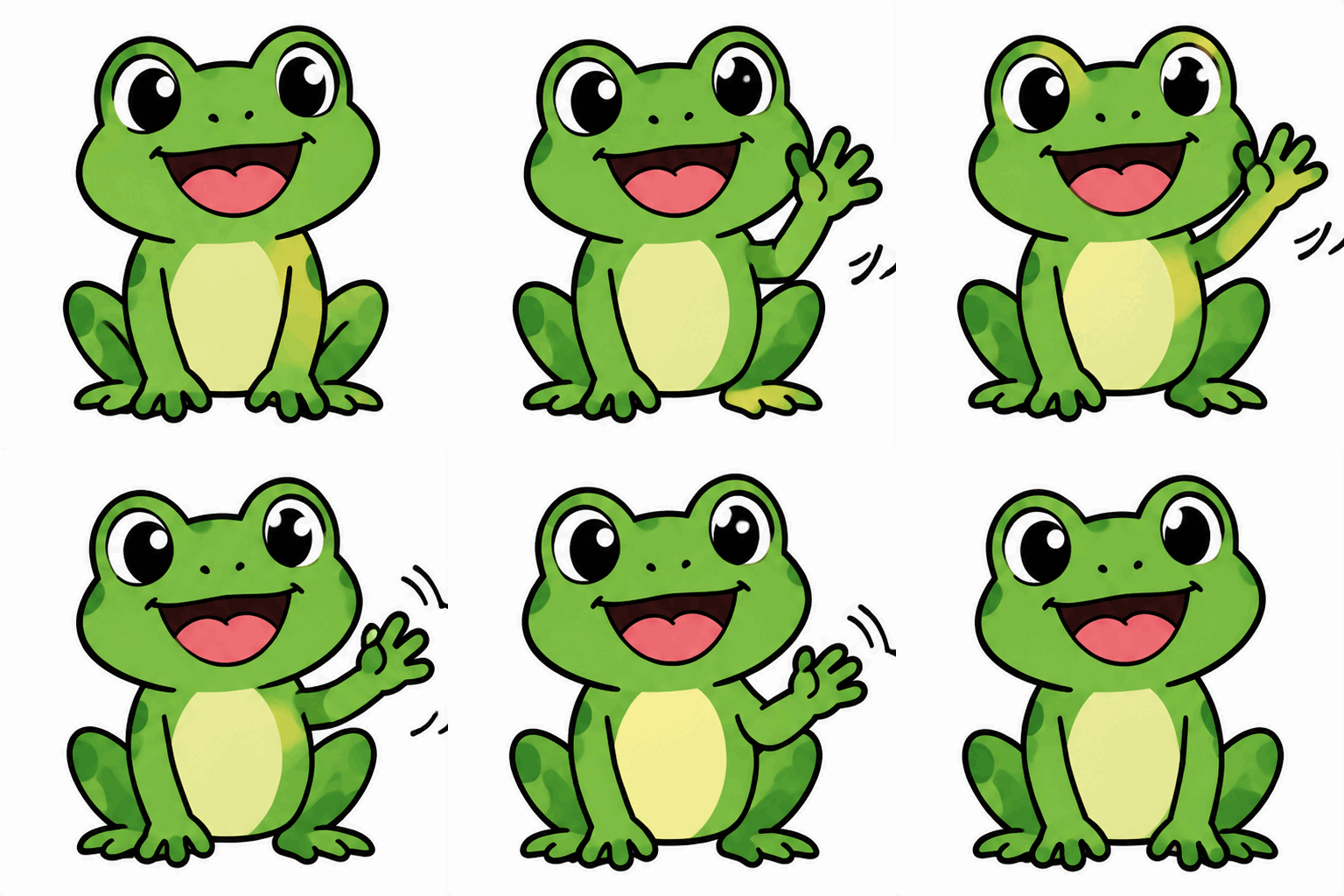
A happy cartoon frog waving hello, flat colors, plain background
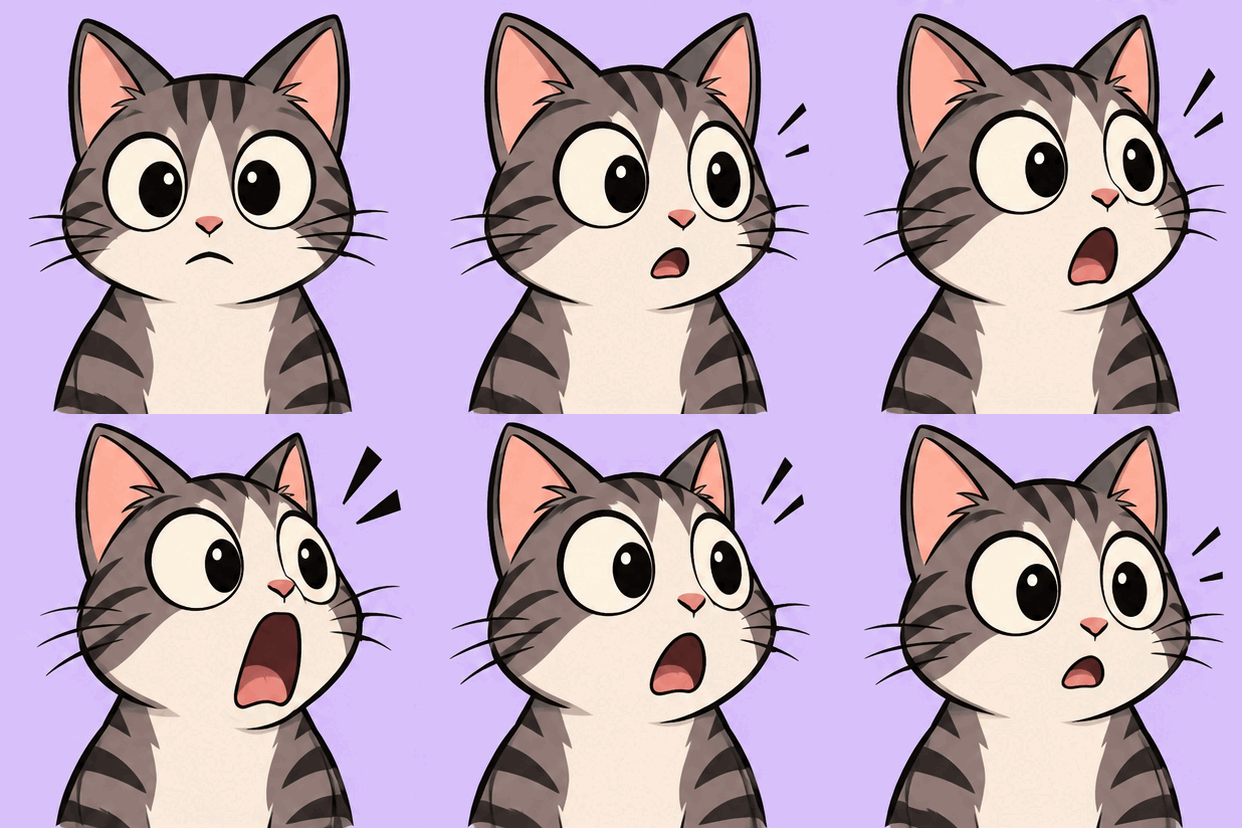
A surprised cartoon cat with huge eyes doing a slow double take, its jaw dropping, simple flat colors, plain pastel background
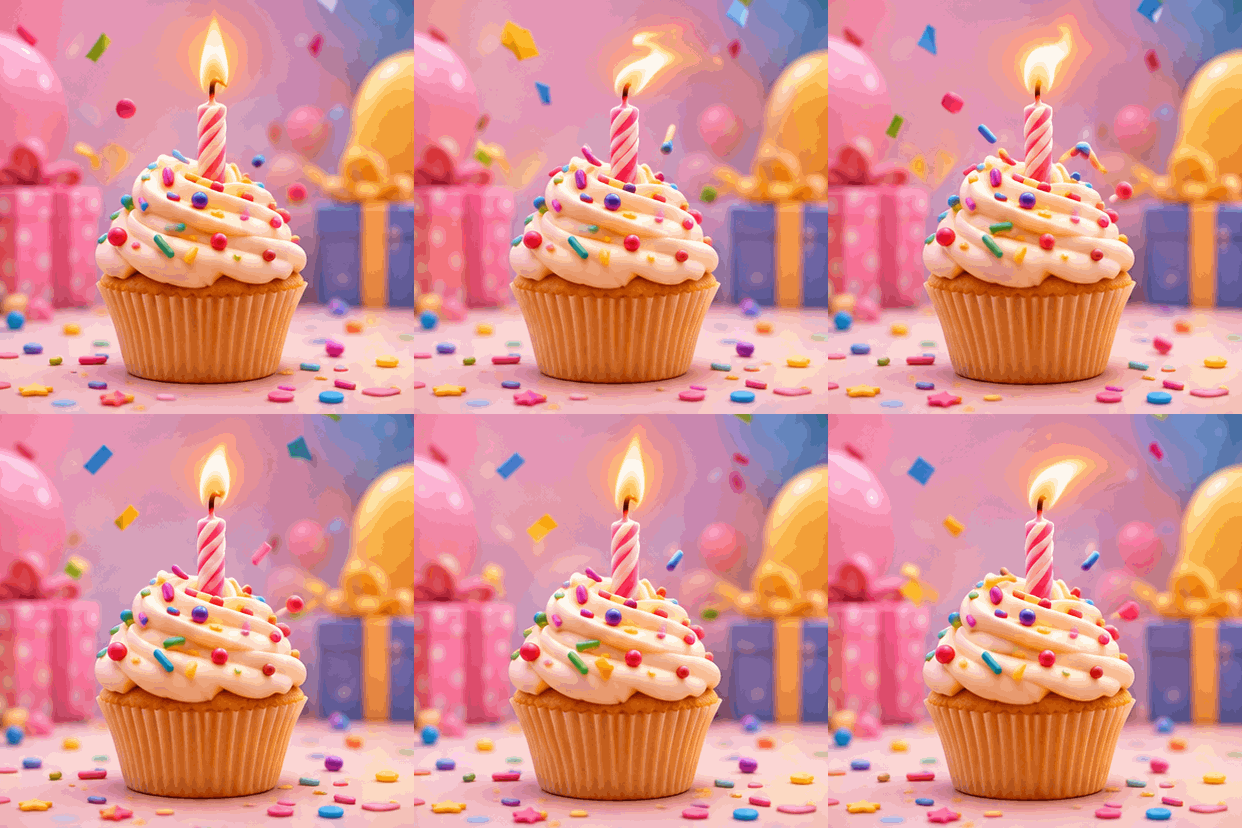
A cute 3D birthday cupcake with one candle, the flame flickering, sprinkles bouncing and confetti slowly falling, soft pastel background
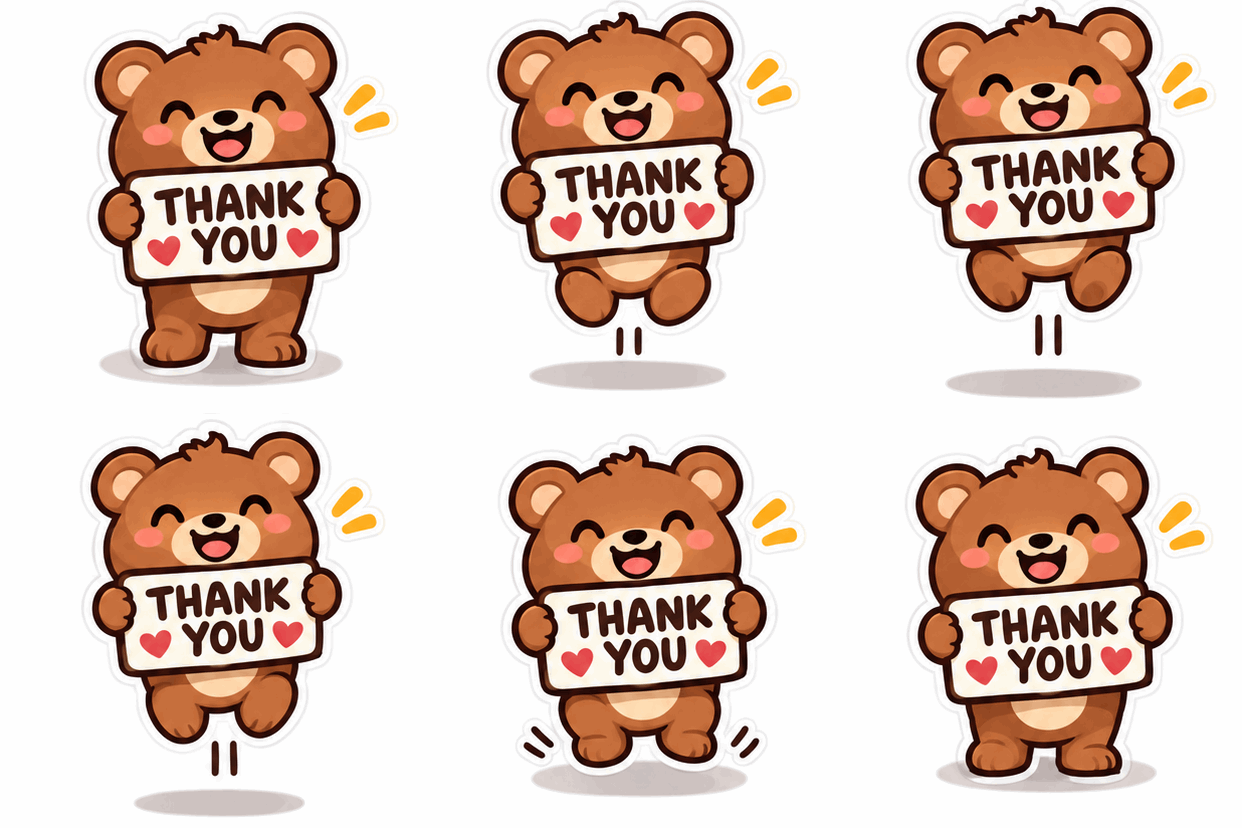
A happy little bear holding a sign that says THANK YOU, bouncing gently, sticker style with a thick white outline, plain light background
Free GIF tools
They run in your browser, so your GIFs never leave your device. No sign-up, no watermark, no limits.
How to make a GIF with AI
Four steps, under a minute.
- Describe the animation
Say what is in the scene and what moves: "a paper boat bobbing on gentle waves".
- Pick a style and shape
Choose cartoon, pixel art, 3D and more, in square, wide or tall.
- Generate
The AI draws every frame, usually in 20–40 seconds.
- Download or keep editing
Save the GIF, or send it straight to Add Text, Reverse or Background Remover.
Tips for better AI GIFs
Describe one clear motion
Short animations work best with a single action, like a wave, a blink, a bounce or a spin. Several things happening at once can look jumpy in a few frames.
Ask for a loop
Keep "Loop smoothly" on for reactions and stickers, so the last frame flows back into the first.
Keep the background simple
A plain background makes the motion easier to read, and makes it easy to cut out later with the GIF Background Remover.
Add text afterwards
AI images can misspell words. For captions and memes, generate the picture first, then add the words with Add Text to GIF.
Prompt ideas
Tap an idea to put it in the box, then press Generate.
Questions
Is the AI GIF generator free?
Create a free account to generate one free GIF a day. Free downloads are 720px on the longest edge and include a watermark. Premium or a credit pack gets full-size GIFs with no watermark. The other GIF tools on GifMuse are free with no limit and no watermark.
Why is there a daily limit?
Each AI generation costs us money to run. A small daily limit keeps the generator free for everyone.
How long does it take?
Usually 20 to 40 seconds. The AI draws every frame of the animation and keeps them consistent so the loop is smooth, which takes longer than a single picture. Keep the page open while it works.
Which AI model makes the GIFs?
GIFs are generated with OpenAI's GPT Image 2.6, which can draw several frames of an animation and return them as a GIF.
Is my prompt private?
Your prompt is sent to our server and on to an AI image provider to create the GIF. We keep prompts for 90 days and GIFs for 30 days, so you can download them later and so we can find out why some prompts fail. We never sell them. See the privacy policy.
Can I use the GIFs I make?
Yes, the GIFs you generate are yours to use. Make sure your prompt doesn't copy someone else's characters, logos or likeness.
Why was my prompt refused?
Prompts are checked by an automatic safety system. Prompts for violent, sexual or hateful content, real people, or copyrighted characters and logos may be refused. Try describing something original. A refused prompt doesn't use up your daily GIFs.